
A free, local alternative to cloud browser testing for your own forms.
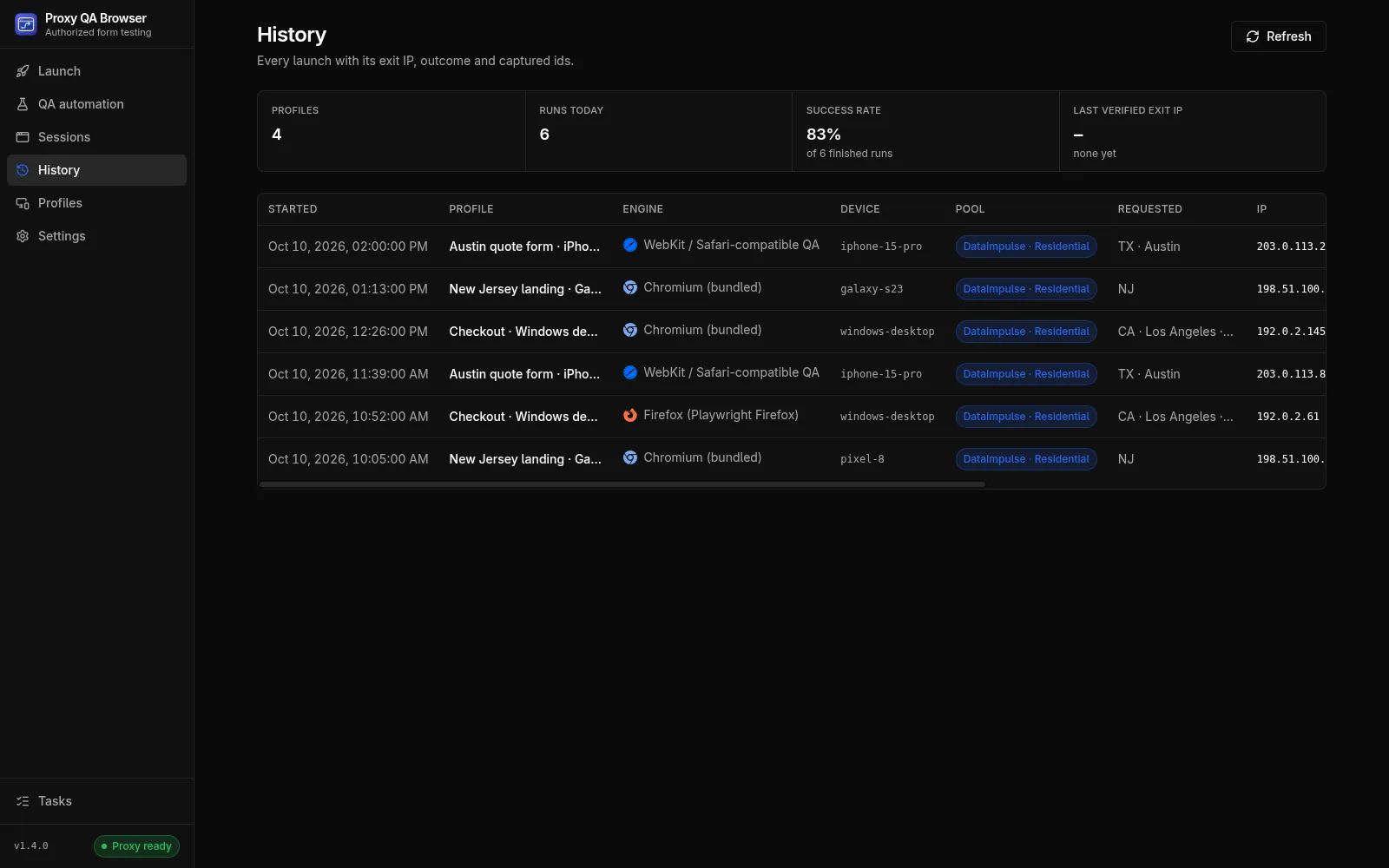
Proxy QA Browser runs bundled Chromium, Firefox and WebKit and your installed Chromium-family browsers on your own computer, with emulated phones, tablets and desktops and, with your own proxy plan, an exit location checked before the window opens. It is free and open source, needs no account, and keeps scenarios, evidence and keys on your machine. It is not a cloud of physical devices.
Is there an open-source BrowserStack alternative for manual form testing?
For manual and recorded testing of your own forms, Proxy QA Browser is one: free under the Apache License 2.0, for Windows, Linux and macOS. Cloud services such as BrowserStack and LambdaTest run browsers and physical devices in their data centres and sell access by subscription. Proxy QA Browser runs the browsers on your computer instead, so there is no account, subscription or session to book.
BrowserStack and LambdaTest are trademarks of their owners; this project is not affiliated with them.
What runs on your own computer
Everything below is part of the free app, documented in the guides linked on this page.
- Bundled Chromium, Firefox and WebKit, plus installed Chrome, Edge, Brave and Opera
- 226 phone, tablet and desktop presets with viewport, scale factor, touch and user agent
- A country, US state, city or ZIP exit location through your own proxy plan, checked before the browser opens
- A recorder, CSV datasets, matrices of 1 to 4 concurrent browsers, visual comparisons, and consent, accessibility and performance checks
- JSON, JUnit and HTML reports, plus a command-line runner, Docker image and GitHub Action for CI
What a cloud service gives you that this app does not
Stated plainly, choose a cloud service when you need any of these:
- Physical phones and tablets: the app emulates presets inside desktop browsers
- Apple Safari itself: WebKit is the engine Safari is built on, not Safari
- Many browser versions: bundled engine versions follow the bundled Playwright release
- A hosted grid: matrices run on your computer, and the CI runner on machines you provide
- Locations without a plan: location tests need your own proxy plan; the app does not sell or include proxies
Privacy by default
There is no sign-in and no telemetry, and nothing is uploaded. Scenarios, screenshots and run evidence stay on your computer, and proxy keys are kept in an AES-256-GCM vault protected by the operating system keychain. See every network connection the app makes.
Use both where it helps
Run quick checks of your own forms locally while you build and before each release, and keep a cloud subscription for the physical devices your traffic depends on. Exported JUnit and HTML reports fit the same CI pipeline either way.
How it works.
Every step and setting is covered in the documentation linked below.
Read the docsDownload the app
Get the portable EXE, AppImage or DMG for your system. There is no account or sign-up.
Add browsers and devices
Install any missing browser from the browser list, then choose a phone, tablet or desktop preset.
Launch or record
Open your own site by hand, or record a scenario once and replay it across browsers and devices.
Add locations if you need them
Save the keys of your own proxy plan to test from a US state, city or ZIP, with the exit IP checked first.
Export the results
Export JSON, JUnit or HTML, or run the same scenario headless in CI.
Common questions.
Is Proxy QA Browser really free?
Yes. It is free and open source under the Apache License 2.0, with no account, trial or paid tier. Only location targeting costs money: it needs your own plan with a supported proxy provider, billed by that provider. FAQ
Can it replace testing on physical iPhones?
Not entirely. iPhone presets apply the viewport, scale factor, touch support and user agent in WebKit or a Chromium-family browser, which catches most layout problems on your own pages, but they are not a physical iPhone, and WebKit is not Apple Safari. Browser compatibility
How many browsers run at once?
A QA automation matrix runs 1 to 4 browsers concurrently on your computer (2 by default), up to 100 cases per matrix by default and 500 at most. For more capacity, run exported scenarios with the command-line runner on your own CI machines. Matrices, retries and limits
Can it run in CI like a hosted grid?
The command-line runner, its Docker image for linux/amd64 and the GitHub Action run exported scenarios headless in Chromium, Firefox and WebKit on CI machines you provide, with JSON, JUnit and HTML reports. Installed vendor browsers are not in the image. Docker image
Try it on your own site.
Free and open source, for Windows, Linux and macOS. Use it on sites you own or are contracted to test.